CCleaner for Mac Alternatives (Free and One-Time)
Many people arrive on the Mac from Windows, where CCleaner was the go-to cleanup tool. CCleaner does have a Mac version, with a free tier and a paid Pro subscription. But the Mac stores things differently from Windows, and a Mac-native tool usually does the job better.
Windows habits that don’t carry over
- Registry cleaning. Macs have no registry. Preferences are plain
.plistfiles per app. - Defragmenting. Not needed on APFS and SSDs — and not something you should try.
- Regular cache wiping. macOS manages caches itself. Clearing them just means they get rebuilt. Read how to clear cache on Mac for when it does help.
What does carry over: big forgotten files, apps you no longer use, and their leftovers. That is where Mac tools focus.
1. DiskMac
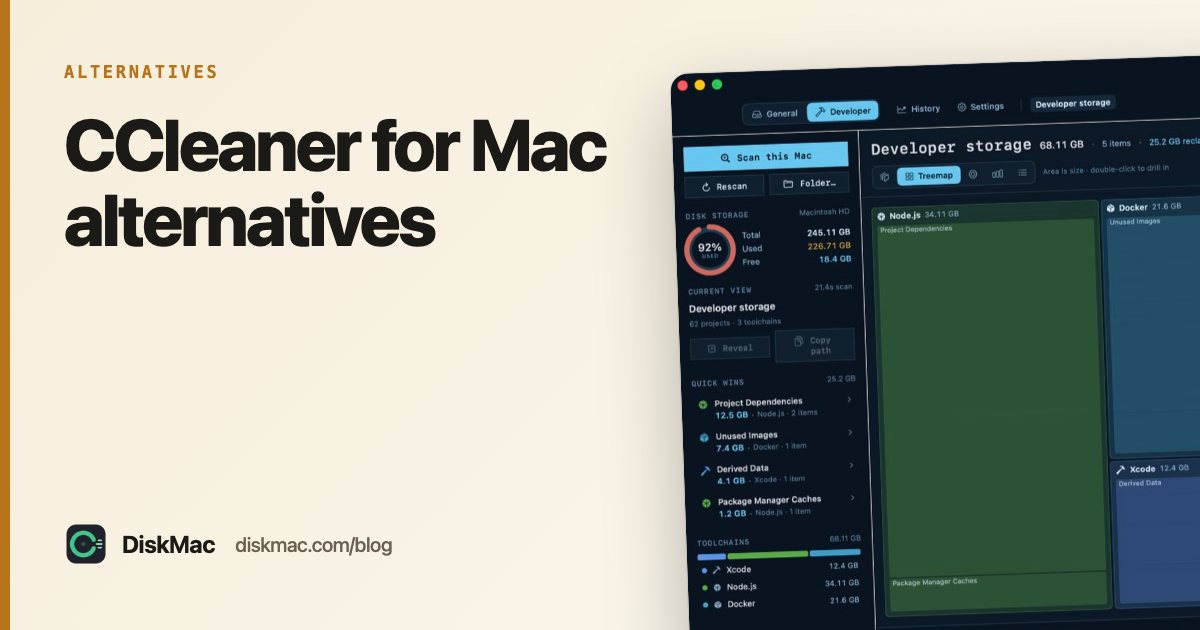
Shows exactly where your space went with ten views of your disk, explains every folder, and removes things to the Trash with undo. Pro adds an uninstaller that finds app leftovers by bundle identifier. Native Swift, about 2 MB. Free to scan, $9 once to clean.
2. OnyX
The closest thing to CCleaner’s “tick boxes and clean” style on Mac, for free. Clears system, user and browser caches and runs maintenance scripts. Read every option before ticking it.
3. AppCleaner
Free uninstaller — the Mac answer to Windows’ “Add or remove programs” plus leftover cleanup.
4. Your browser’s own settings
CCleaner’s browser-cleaning is easy to do yourself: Safari › Settings › Privacy › Manage Website Data, or Chrome › Delete browsing data.
A note on trust
In 2017, a compromised build of CCleaner for Windows was distributed with malware for about a month before it was caught. The current owner, Gen Digital, has a long track record since, and the Mac version was not affected — but it is a good reminder to pick tools with a small footprint and clear behaviour. DiskMac’s scanning and cleanup code makes no network calls at all.
FAQ
Is CCleaner good for Mac?
It works, but much of its Windows feature set doesn’t apply to macOS. Mac-native tools focus on what actually takes space on a Mac.
Is there a free CCleaner alternative for Mac?
Yes — OnyX for cache cleaning, AppCleaner for uninstalling, and DiskMac’s free disk map for finding large files.
Do Macs need cleaning like Windows PCs?
Much less. See do Macs need cleaner apps?