The 5 Best DaisyDisk Alternatives for Mac
DaisyDisk is one of the best-loved Mac utilities: a $9.99 sunburst map of your disk that is fun to click through. People look for alternatives for three reasons — they want it free, they want more than one way to see their disk, or they want to be told what a folder actually is before deleting it.
1. DiskMac — DaisyDisk plus explanations
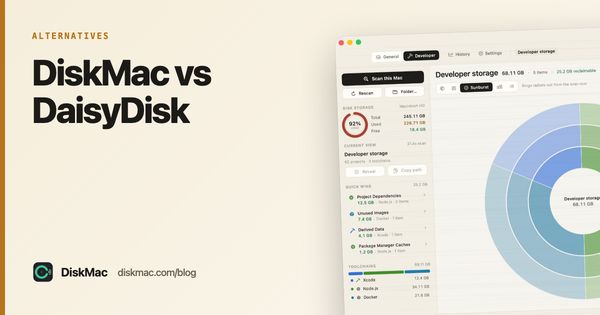
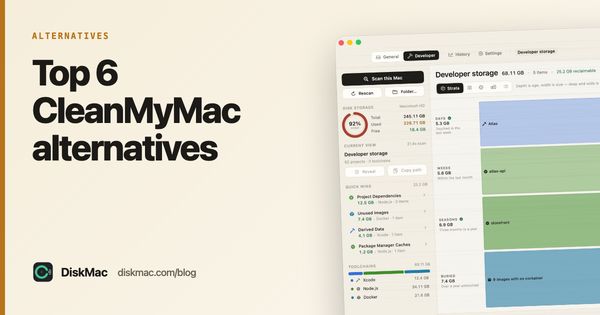
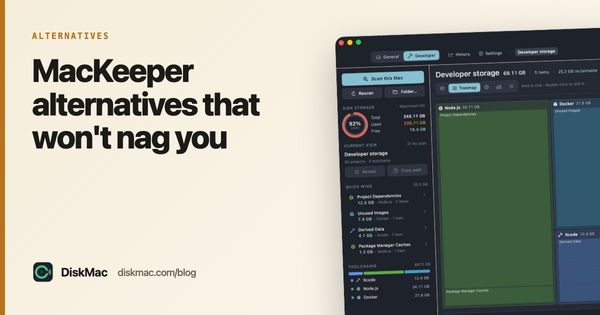
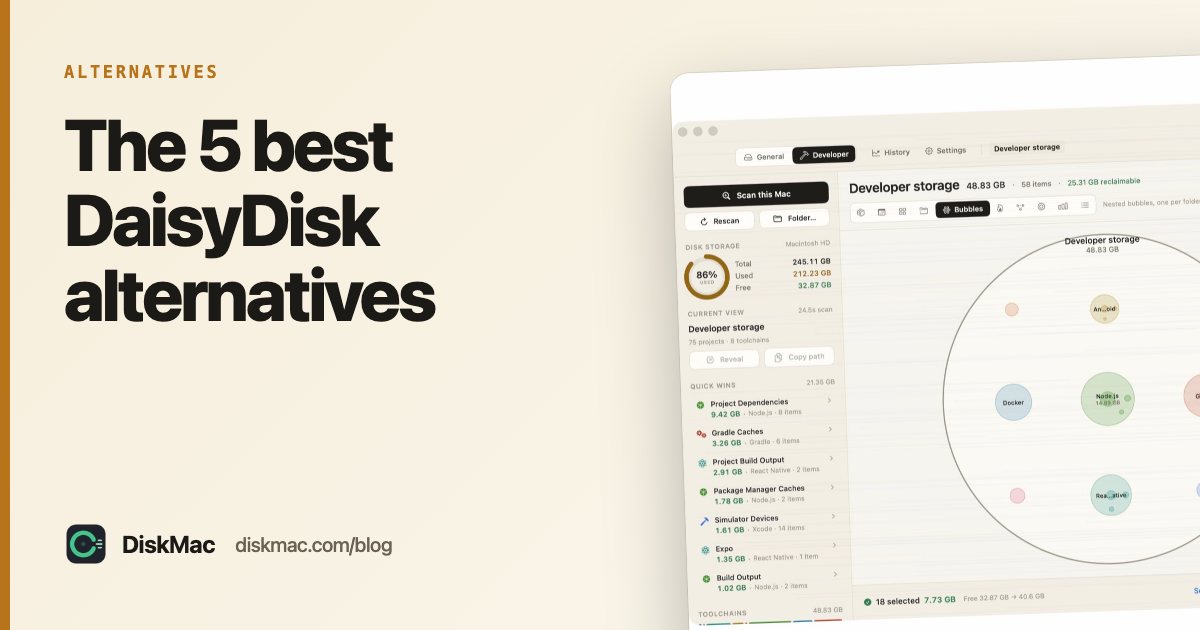
DiskMac draws your disk ten ways, including a sunburst like DaisyDisk’s, a treemap, bubbles, a flame graph and Strata (size against age). The big difference is the inspector: select anything and it tells you what it is, whether it’s safe to remove, and how it comes back.
It also uninstalls apps with their leftovers and has a developer mode for Xcode, Docker and Node. Scanning and every view are free; cleanup is $9 once. See DiskMac vs DaisyDisk for a side-by-side.
2. GrandPerspective — the free treemap
Open source, free, a treemap of every file. It has been around since 2005 and still works. The interface hasn’t changed much in that time.
3. OmniDiskSweeper — the free list
If DaisyDisk’s graphics feel like more than you need, OmniDiskSweeper shows folders in columns sorted by size. Free from The Omni Group. Deletes permanently, not to the Trash.
4. Disk Inventory X — treemap plus file types
Free, with a file-kind breakdown alongside the treemap. Less actively maintained than the others.
5. macOS Storage settings
Not a visualiser, but System Settings › General › Storage groups usage by category and lists large documents. Often enough for a quick look.
Comparison
| DaisyDisk | DiskMac | GrandPerspective | OmniDiskSweeper | |
|---|---|---|---|---|
| Price | $9.99 | Free / $9 | Free | Free |
| Visual style | Sunburst | 10 views | Treemap | List |
| Explains what files are | No | Yes | No | No |
| Deletes to Trash | Yes | Yes, with undo | Yes | No |
| Uninstaller | No | Yes | No | No |
GrandPerspective vs DaisyDisk vs OmniDiskSweeper
The three classic disk tools side by side:
| GrandPerspective | DaisyDisk | OmniDiskSweeper | |
|---|---|---|---|
| Price | Free (open source) | $9.99 once | Free |
| Style | Treemap | Sunburst | Sorted column list |
| Delete from app | To Trash | To Trash via collector | Immediately |
| Ease for beginners | Medium | High | Medium |
| Explains items | No | No | No |
All three show size. None tell you what a folder is, whether it rebuilds itself, or when you last used it. That is where a newer tool like DiskMac differs: it includes a treemap, a sunburst and a table, and adds an inspector that explains each item and views that show age. Its scan is free. See DiskMac vs DaisyDisk.
FAQ
Is there a free version of DaisyDisk?
DaisyDisk offers a free download that scans and shows the map, but deleting needs the paid licence. GrandPerspective and DiskMac’s free tier are free disk maps with nothing to unlock for viewing.
Which is better, DaisyDisk or CleanMyMac?
They do different jobs. DaisyDisk only maps your disk; CleanMyMac is an all-in-one suite on subscription. If you want a map plus uninstalling for a one-time price, DiskMac sits in between.