Is this a subscription?
No. Pro is a single $9 payment plus tax, covering two Macs, with no expiry and nothing to renew. If a major new version ever appears it will be a separate, optional purchase — your licence will keep working.
Could it delete something I need?
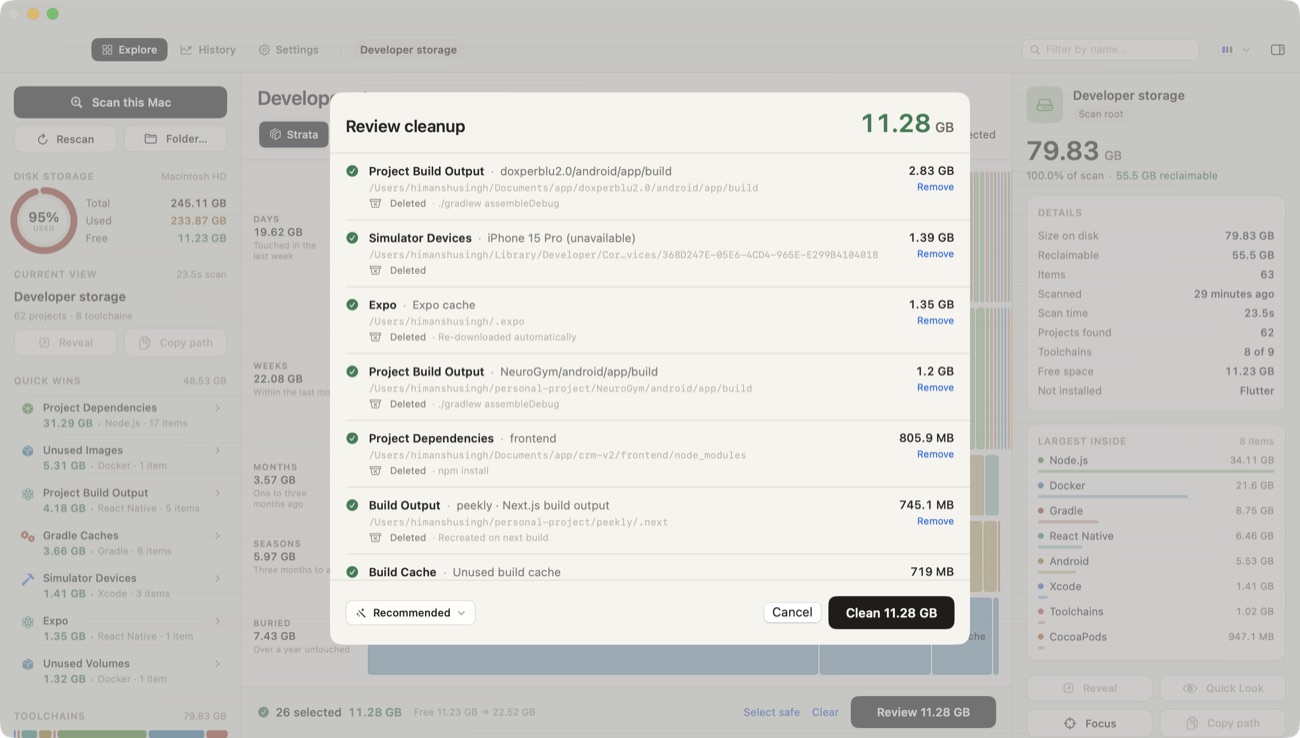
Every removable path has to match a shape registered in advance by the rule that produced it, and clear a deny list covering source code, git repositories, credentials, keychains, Documents, Desktop and anything outside your home folder. Both checks run again immediately before removal. Anything costly to restore goes to the Trash and one button puts it back.
Does it send anything anywhere?
The scanning and cleanup code contains no network calls at all. The only time DiskMac touches the network is to check your licence key with Dodo Payments, and that request contains the key and a device name — never a file name, path or size.
How long does a scan take?
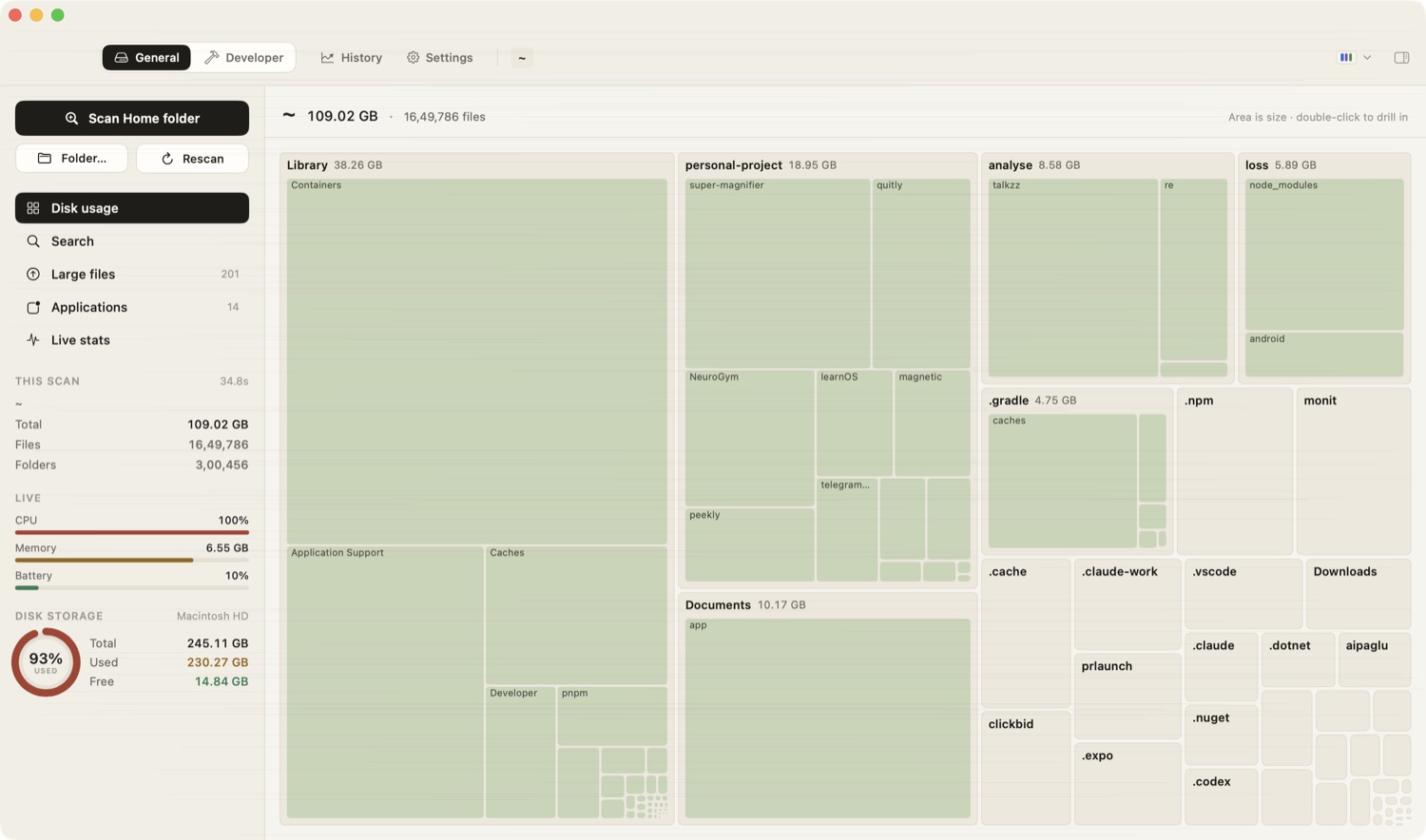
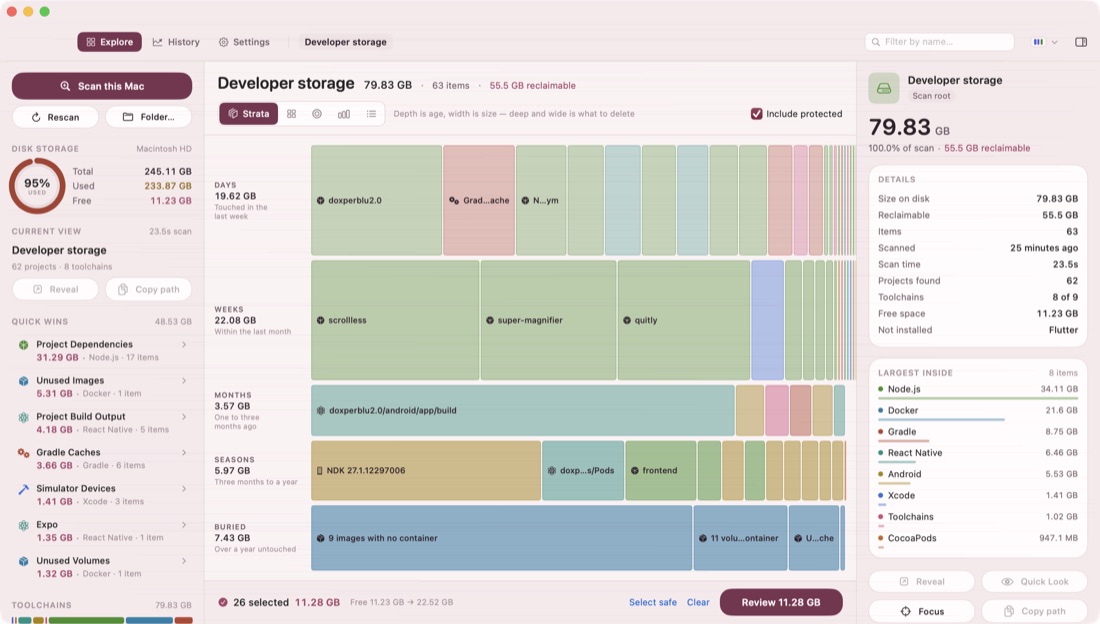
About 35 seconds for a 109 GB home folder with 1.6 million files, on Apple silicon. Smaller folders are near-instant. It reads directory metadata with POSIX calls rather than the slower high-level APIs, and walks several folders at once.
Why is it not on the Mac App Store?
Sandboxing forbids the file access a storage scanner needs, so a Store build would be blind to most of what DiskMac finds. It is distributed directly, signed and notarised by Apple.
What happens if I am offline?
Pro keeps working. DiskMac re-checks your licence when it can, and if that fails for any reason it carries on for a two-week grace period. A paying customer on a plane is never told they have not paid.
Can I move my licence to another Mac?
Yes. A licence covers two Macs at once, and you can deactivate one from Settings › Licence to free the slot.
Is there a refund?
15 days, through Dodo Payments. If DiskMac does not find enough on your Mac to be worth it, that is a fair reason and you should ask.
 DiskMac