How to Clear Cache on Mac (Safely, and When It's Worth It)
Caches are files apps keep so they don’t have to download or compute the same thing twice. Clearing them frees space, and occasionally fixes a misbehaving app. It doesn’t make your Mac faster — usually the opposite, briefly, while caches rebuild.
When clearing cache is worth it
- A specific cache has grown to many gigabytes.
- An app is misbehaving and its support team suggests it.
- You uninstalled an app and its cache remained.
- Your disk is nearly full and you need room right now.
User caches (~/Library/Caches)
This is where most apps keep their caches. It is safe to clear, with the apps closed.
- Quit your apps.
- In Finder, press ⇧⌘G and type
~/Library/Caches. - Sort by size and look at the biggest folders. Each is named after an app or bundle ID.
- Move the folders you want to clear to the Trash. Delete contents of folders rather than the whole Caches folder.
- Restart, then empty the Trash.
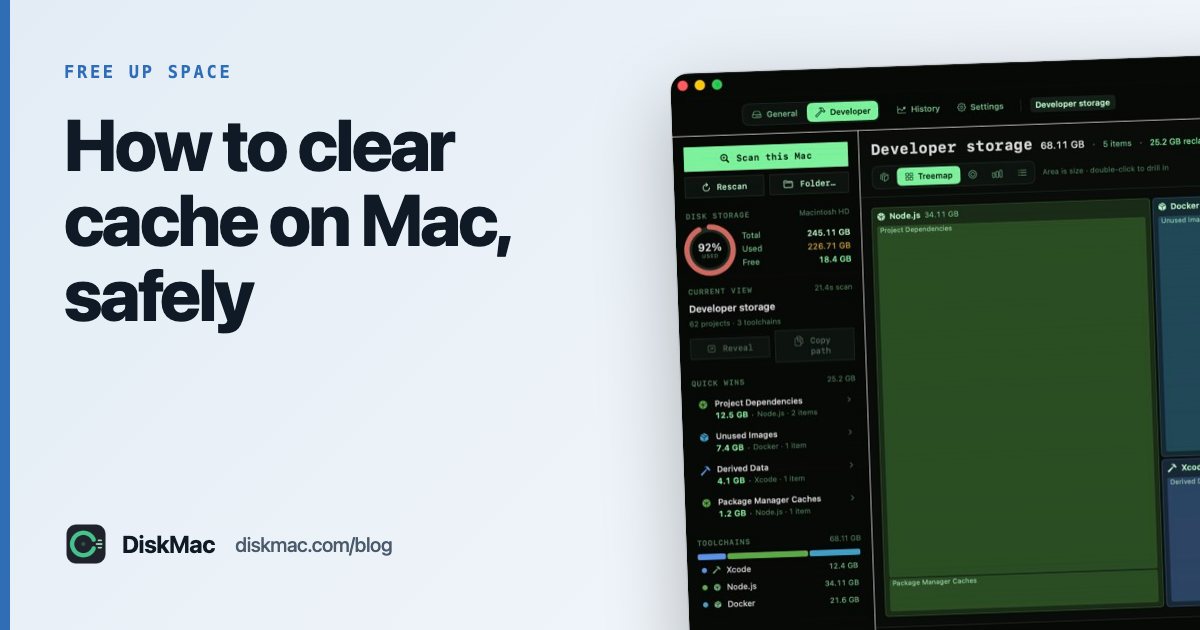
A disk map such as DiskMac shows these folders with sizes and explains which app each belongs to, which makes step 3 much quicker.
Browser cache
- Safari: Settings › Advanced › tick Show features for web developers, then Develop › Empty Caches.
- Chrome: Settings › Privacy and security › Delete browsing data › Cached images and files.
- Firefox: Settings › Privacy & Security › Cookies and Site Data › Clear Data.
System caches
/Library/Caches and the system’s private caches are managed by macOS. You rarely need to touch them. If you suspect a problem, starting up in Safe Mode clears some system caches automatically — on Apple silicon, hold the power button until startup options appear, select your disk, hold Shift and choose Continue in Safe Mode.
Developer caches — the big ones
If you write code, these usually dwarf everything else:
npm cache clean --force
brew cleanup --prune=all
pip cache purge
go clean -cache
Full list in the developer cache cheat sheet.
Used to CCleaner on Windows? Most of its features don’t apply on a Mac — see CCleaner for Mac alternatives.
What not to clear
- Font caches and Spotlight index unless you have a problem — rebuilding takes time.
- Anything in Application Support thinking it’s cache — that is real app data.
- The whole ~/Library folder — never.
FAQ
Is it safe to delete everything in ~/Library/Caches?
Generally yes, with apps closed. Apps recreate their caches. Expect some apps to be slower for their first launch afterwards.
Will clearing cache speed up my Mac?
No. It frees space; it doesn’t improve performance unless the disk was nearly full.
How often should I clear cache on Mac?
There’s no need for a schedule. Clear a cache when it is large or causing a problem.