MacKeeper Alternatives That Won't Nag You
MacKeeper is one of the most searched-for Mac utilities and one of the most argued about. Its marketing was the subject of a US class-action lawsuit that was settled in 2015, and it is still sold mainly by subscription. Whatever you think of the current version, plenty of people simply want something quieter and cheaper.
What MacKeeper bundles
MacKeeper combines a cleaner, an app uninstaller, an antivirus, a VPN, an ad blocker and identity-breach monitoring. If you want all of that from one company, it is one way to get it. If you mainly want storage back, you are paying for a lot you don’t use.
A better split
| MacKeeper feature | Alternative | Cost |
|---|---|---|
| Safe Cleanup, Duplicates | DiskMac disk map and large files; Photos’ built-in duplicates | Free / $9 once |
| Smart Uninstaller | DiskMac Pro or AppCleaner | $9 once / free |
| Antivirus | macOS XProtect and Gatekeeper | Built in |
| VPN | A dedicated VPN you trust | Varies |
| Ad blocker | A Safari content blocker from the App Store | Free–cheap |
| Breach monitoring | Passwords app security recommendations; Have I Been Pwned | Free |
1. DiskMac — storage, explained
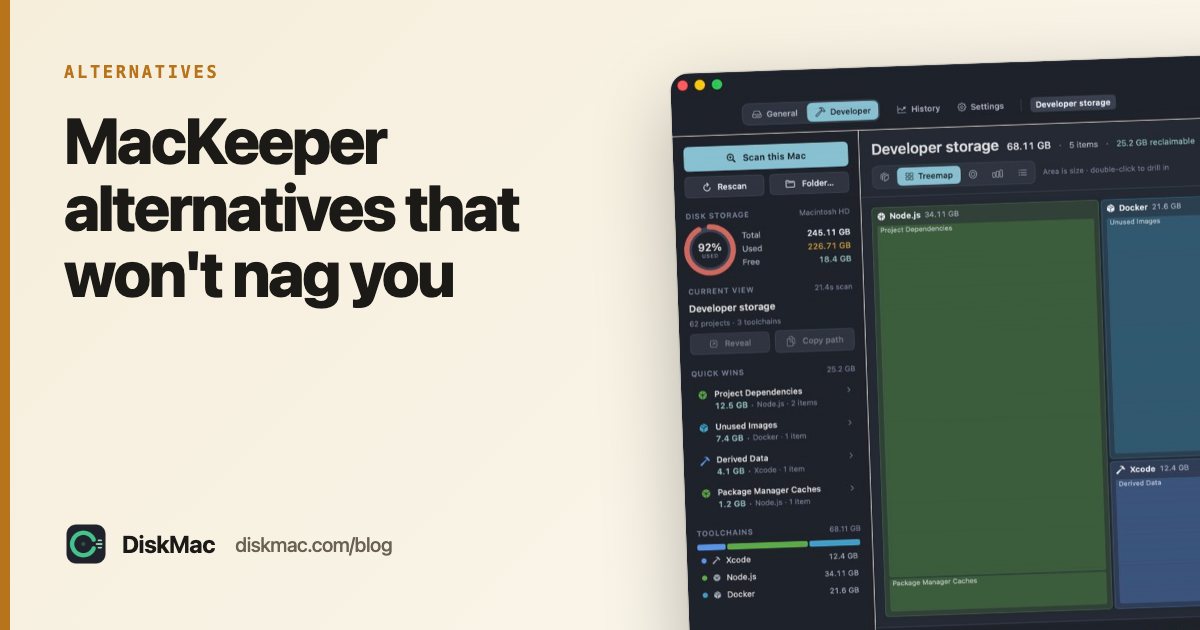
DiskMac does the storage half of MacKeeper’s job and does it openly. It maps your disk, lists every large file, explains what each folder is, and moves anything you remove to the Trash with one-click undo. No alerts, no “issues found” score, no background process. Free to scan, $9 once to clean.
2. AppCleaner
Free uninstaller that finds an app’s leftover files.
3. OnyX
Free maintenance utility for people who want control over caches and system scripts.
4. CleanMyMac
If you do want an all-in-one suite with a malware scanner, CleanMyMac is the more established option — also subscription-based. See CleanMyMac alternatives if price is the concern.
Weighing other big-name cleaners too? See CCleaner for Mac alternatives.
How to remove MacKeeper
- Open MacKeeper and sign out / cancel your subscription in its account settings (or with the payment provider shown on your receipt).
- Quit MacKeeper and its menu bar icon.
- Drag MacKeeper from Applications to the Trash; macOS may prompt you to confirm removing its helper.
- Check
~/Library/Application Support,~/Library/Cachesand~/Library/LaunchAgentsfor remaining MacKeeper items. - Check System Settings › General › Login Items for anything left behind.
More on leftovers in how to uninstall apps completely.
FAQ
Is MacKeeper a virus?
No, it is legitimate, signed software. Its reputation problems came from aggressive advertising, not malware.
Do I need MacKeeper's antivirus?
Most Mac users don’t need third-party antivirus. macOS has built-in malware protection that updates automatically.
What is a cheaper alternative to MacKeeper?
DiskMac Pro is $9 once; AppCleaner, OnyX and GrandPerspective are free. See cheap Mac cleaners with no subscription.