DiskMac vs DaisyDisk: Which Disk Analyzer Is Right for You?
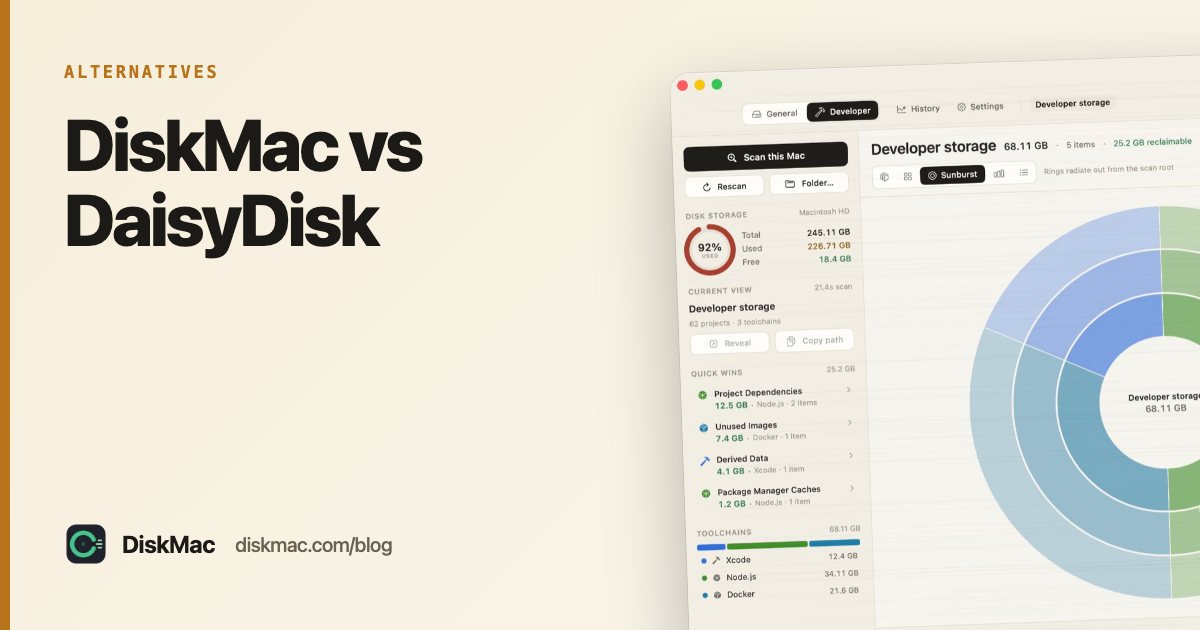
DaisyDisk and DiskMac are both native, one-time-purchase Mac apps around $9 that show you what is filling your disk. They are closer to each other than to the big all-in-one cleaners. Here is where they differ.
Summary
DaisyDisk is the elegant, single-purpose map: scan, see, drag to delete. DiskMac adds explanations for every item, nine more views, an app uninstaller and a developer mode — and its scan is free.
Side by side
| DiskMac | DaisyDisk | |
|---|---|---|
| Price | Free scan; $9 once to clean (2 Macs) | $9.99 once |
| Views | Strata, Age Map, Treemap, Folders, Bubbles, Flame, Mind Map, Sunburst, Top Sizes, Table | Sunburst |
| What is this folder? | Explained in the inspector | Name and size |
| Age of files | Strata and Age Map views | No |
| Uninstall apps with leftovers | Yes (Pro) | No |
| Developer cleanup | Yes | No |
| Live CPU / memory / battery | Yes, free | No |
| Themes | 9 | 1 |
| CLI | Yes, free | No |
Where DaisyDisk is better
- Simplicity. One view, done beautifully. Nothing to learn.
- Track record. Over a decade of polish and a loyal following.
- App Store. Available there if you prefer buying through Apple.
Where DiskMac is better
- Knowing what to delete. Size tells you what is big; age tells you what is forgotten. DiskMac’s Strata view puts both on one screen.
- Safety guidance. It tells you whether something regenerates (caches, build output) or holds your data.
- Accurate sizes. It counts allocated blocks and hard links once, so sparse files like Docker’s disk image show their real size.
- Developers. Xcode, Docker, Node, Gradle and Android storage, each item explained.
Which to pick
If you want a gorgeous map and know your way around ~/Library, DaisyDisk is lovely. If you want to be told what you are looking at, or you write code, try DiskMac’s free scan. More options: DaisyDisk alternatives and top disk space analyzers.
FAQ
Is DiskMac a DaisyDisk clone?
No. It includes a sunburst view, but its main ideas — explaining items, age-based views and toolchain-aware cleanup — aren’t in DaisyDisk.
Which one is faster?
Both scan a typical home folder in well under a minute on Apple silicon.