How to Find and Delete Every node_modules Folder on Mac
Every JavaScript project you clone gets its own node_modules, often 200 MB to over 1 GB. Multiply by every tutorial, side project and client repo you ever ran npm install in, and it’s common to find 20–40 GB.
The good news: deleting node_modules is completely safe. Your package.json and lockfile describe exactly what to reinstall.
1. Find them all, with sizes
find ~ -name node_modules -type d -prune -exec du -sh {} + 2>/dev/null | sort -rh-prune stops find from descending into nested node_modules inside node_modules, which makes it far faster and avoids double counting.
2. Delete them interactively with npkill
cd ~/code
npx npkill
npkill lists every node_modules under the current folder with its size. Arrow to one, press space to delete.
3. Delete all of them under a folder
# preview first
find ~/code -name node_modules -type d -prune

# then delete
find ~/code -name node_modules -type d -prune -exec rm -rf {} +
Run this on a projects folder, not on ~ as a whole — some apps (VS Code extensions, Electron apps) keep node_modules they need.
4. Only delete stale projects
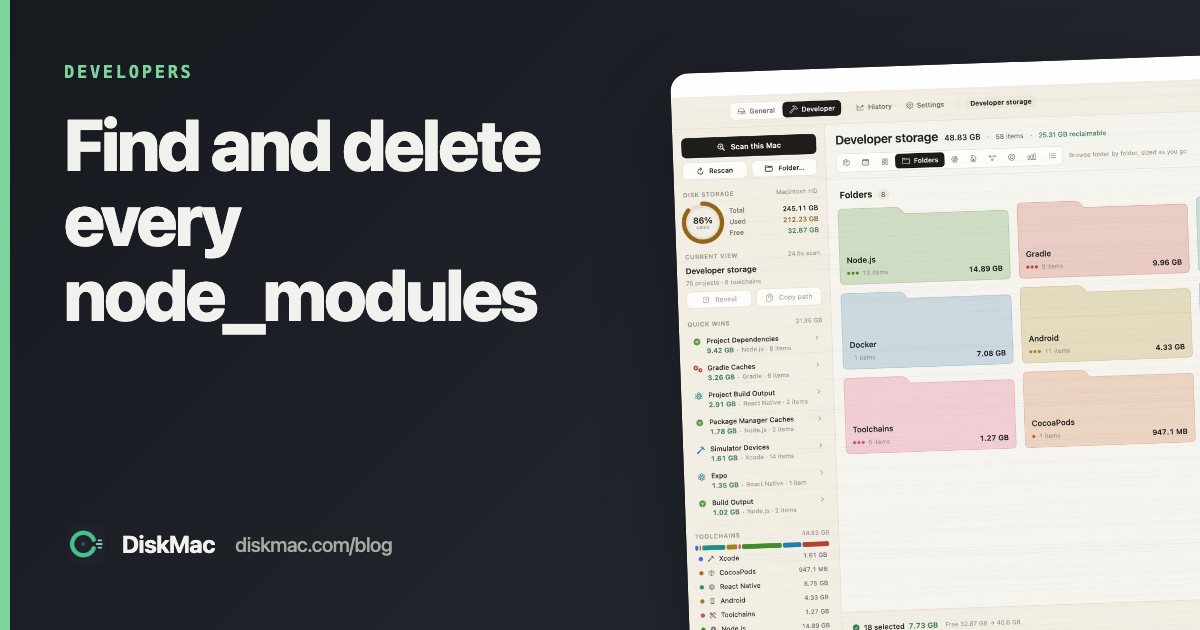
You probably don’t want to wipe the project you’re working on today. DiskMac’s Developer mode lists every project’s node_modules with when you last touched the project, so you can clear the ones from projects you haven’t opened in months and keep the rest. It also understands pnpm’s hard-linked store, so it doesn’t promise savings you won’t actually get.
5. Clean the package manager caches too
npm cache clean --force       # ~/.npm/_cacache
pnpm store prune              # unreferenced packages in the pnpm store
yarn cache clean              # yarn classic and berry
And old Node versions: nvm ls, then nvm uninstall <version>.
6. Use less space next time
- pnpm stores each package version once and hard-links it into projects, often saving most of the duplication.
- Delete
node_moduleswhen you archive a project. - Don’t forget framework build output:
.next,.turbo,.parcel-cache,dist.
FAQ
Is it safe to delete node_modules?
Yes. Run npm install (or pnpm install/yarn) to restore it from your lockfile.
Why is node_modules so big?
Each project installs its full dependency tree, including dev tools and platform binaries, and npm copies packages separately into every project.
Will deleting the npm cache break anything?
No. npm redownloads packages as needed; installs are just slower the first time.