How to Clear Xcode DerivedData, Simulators and Archives
Short answer: quit Xcode and delete everything inside ~/Library/Developer/Xcode/DerivedData. It is safe. Xcode rebuilds what it needs on your next build. Simulators, simulator runtimes and old device support files are usually even bigger, and the steps below cover those too.
Xcode is the biggest storage hog on most iOS and Mac developers’ machines. It doesn’t clean up after itself, so build products, simulators and debug symbols pile up for every project and every iOS version you ever touched.
Where Xcode keeps its files
| Folder | What it is | Safe to delete? |
|---|---|---|
~/Library/Developer/Xcode/DerivedData | Build products, indexes, logs | Yes — rebuilds on next build |
~/Library/Developer/Xcode/iOS DeviceSupport | Debug symbols per iOS version you connected a device with | Yes for old iOS versions — re-copied when you connect a device |
~/Library/Developer/CoreSimulator/Devices | Simulator devices and their data | Yes for ones you don’t use |
| Simulator runtimes | Whole iOS/watchOS/tvOS/visionOS runtimes | Yes for versions you don’t test |
~/Library/Developer/Xcode/Archives | Builds you archived for release | Careful — holds dSYMs for crash reports |
~/Library/Caches/org.swift.swiftpm | Swift Package Manager cache | Yes — redownloads |
See how much each part uses
Before deleting anything, check where the space actually is:
du -sh ~/Library/Developer/Xcode/* ~/Library/Developer/CoreSimulator 2>/dev/nullOn most machines DerivedData and CoreSimulator are the two biggest lines.
1. Delete DerivedData
From Xcode: open Xcode › Settings › Locations. Next to Derived Data is the folder path with a small arrow. Click the arrow to open the folder in Finder, quit Xcode, and move the folder’s contents to the Trash.
Product › Clean Build Folder (Shift-Command-K) is not the same thing. It only clears the current project’s build products and leaves every other project’s folder in place.
From Terminal: quit Xcode, then:
rm -rf ~/Library/Developer/Xcode/DerivedData/*If you use fastlane, the same thing is one command: fastlane run clear_derived_data.
Or delete just one project’s folder (named after the project with a hash). Your next build will be a clean build and take longer. That’s the only cost.
2. Remove unavailable and unused simulators
# simulators for runtimes you no longer have
xcrun simctl delete unavailable

# see what's installed
xcrun simctl list devices

# wipe the apps and data inside every simulator, but keep the devices
xcrun simctl erase all
SwiftUI previews use their own set of simulator devices. They are safe to remove and Xcode recreates them the next time a preview runs:
xcrun simctl --set previews delete all3. Remove old simulator runtimes
Since Xcode 15 runtimes are managed separately and are several gigabytes each. In Xcode go to Settings › Components (called Platforms in some versions) and delete versions you don’t need, or:
xcrun simctl runtime list
xcrun simctl runtime delete <runtime-id>
4. Trim iOS DeviceSupport
Each iOS version you’ve debugged on a real device leaves a folder of a few gigabytes. Delete folders for iOS versions your devices no longer run.
5. Think before deleting Archives
An archive contains the dSYM files needed to symbolicate crash reports from that build. If users are still running a version, keep its archive (or make sure the dSYMs are uploaded to your crash reporter). Old, unreleased or superseded archives can go.
6. Or let a tool do it
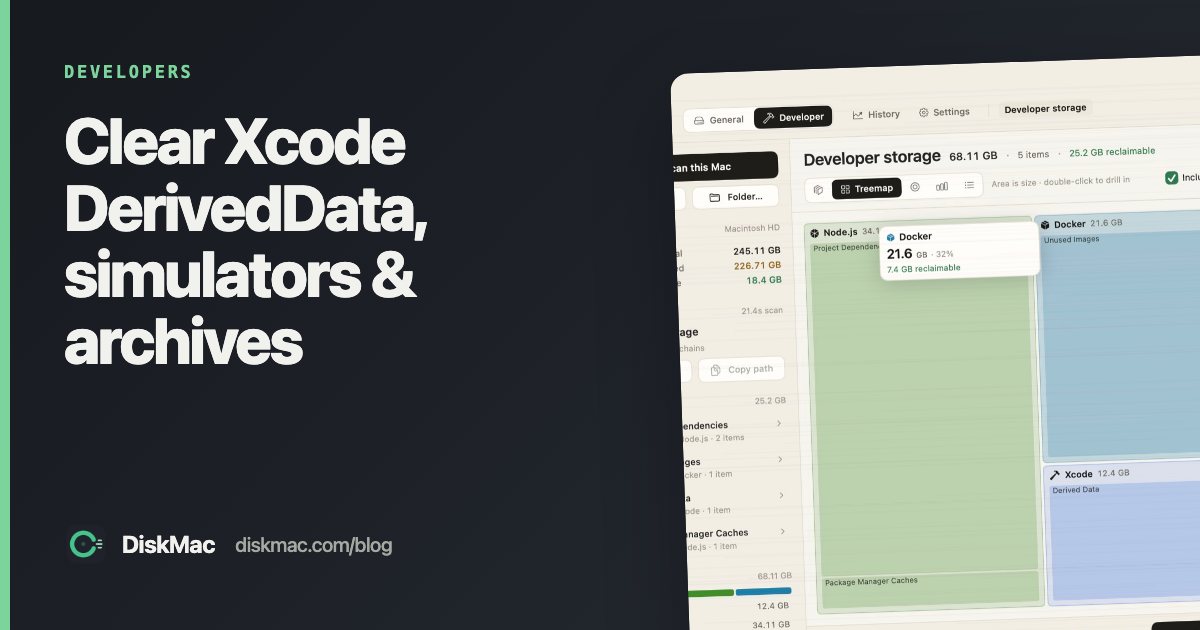
DiskMac’s Developer mode lists all of these, explains each one, and marks archives as needing care because of their dSYMs. It deletes rebuildable items outright and moves anything with a real cost to restore to the Trash. Free to scan; cleanup is $9 once. DevCleaner for Xcode is a free Xcode-only alternative. See Mac cleaners for developers.
FAQ
Is it safe to delete Xcode DerivedData?
Yes. Xcode recreates it automatically. Your next build will just be slower.
How big can DerivedData get?
Tens of gigabytes on an active machine — it keeps build products for every project you’ve opened.
Can I delete the whole ~/Library/Developer folder?
Not recommended. It contains simulator data, archives and settings you may want. Delete its parts selectively.