Docker Taking Up Too Much Space on Mac? How to Reclaim It
Short answer: run docker system df to see what is using space, then docker system prune -a to remove stopped containers, unused images and build cache. Your volumes are left alone unless you ask. Docker Desktop then hands the freed space back to macOS within a few minutes.
Docker on a Mac runs inside a Linux virtual machine, and everything — images, containers, volumes, build cache — lives in that VM’s disk image. That image is one file, and it’s often the biggest file on a developer’s Mac.
Where it lives
~/Library/Containers/com.docker.docker/Data/vms/0/data/Docker.rawDocker.raw is a sparse file. Its apparent size is the maximum you allowed (often 64 GB or more); the space it really uses is less. Finder may show the bigger number. Check the real number with:
ls -lsh ~/Library/Containers/com.docker.docker/Data/vms/0/data/Docker.rawThe first column is space actually used. DiskMac reports this real figure — on our test machine, 21 GB used versus 245 GB apparent.
Step 1: see what Docker is using
docker system df
docker system df -v   # per image, container and volume
In Docker Desktop, the Images tab shows the same list with sizes and marks images no container is using. Settings › Resources › Advanced shows where the disk image is stored and the virtual disk limit it is allowed to grow to.
Step 2: prune safely
# stopped containers, unused networks, dangling images, build cache
docker system prune

# also remove all images not used by a container
docker system prune -a

# build cache only
docker builder prune

# only images not used in the last 30 days (keeps what you use now)
docker image prune -a --filter "until=720h"

# unused volumes — careful, volumes hold data (e.g. databases)
docker volume prune
Images and build cache come back with docker pull or your next build. Volumes may hold real data, like a local Postgres database — check before pruning them.
Step 3: make Docker.raw actually shrink
Deleting inside Docker frees space in the VM, but the host file only shrinks when the space is handed back. Current Docker Desktop versions do this automatically for Docker.raw within a few minutes. If it doesn’t shrink:
- Restart Docker Desktop.
- Lower the virtual disk limit in Settings › Resources › Advanced (this recreates the disk and deletes everything in it).
- As a last resort, Troubleshoot › Clean / Purge data wipes all images, containers and volumes.
Step 4: stop it growing back
- Run
docker system prunemonthly, or after big projects. - Use multi-stage builds and smaller base images.
- Set a sensible disk limit.
- Consider lighter alternatives like OrbStack or Colima if Docker Desktop’s VM is a constant problem.
Let DiskMac show you
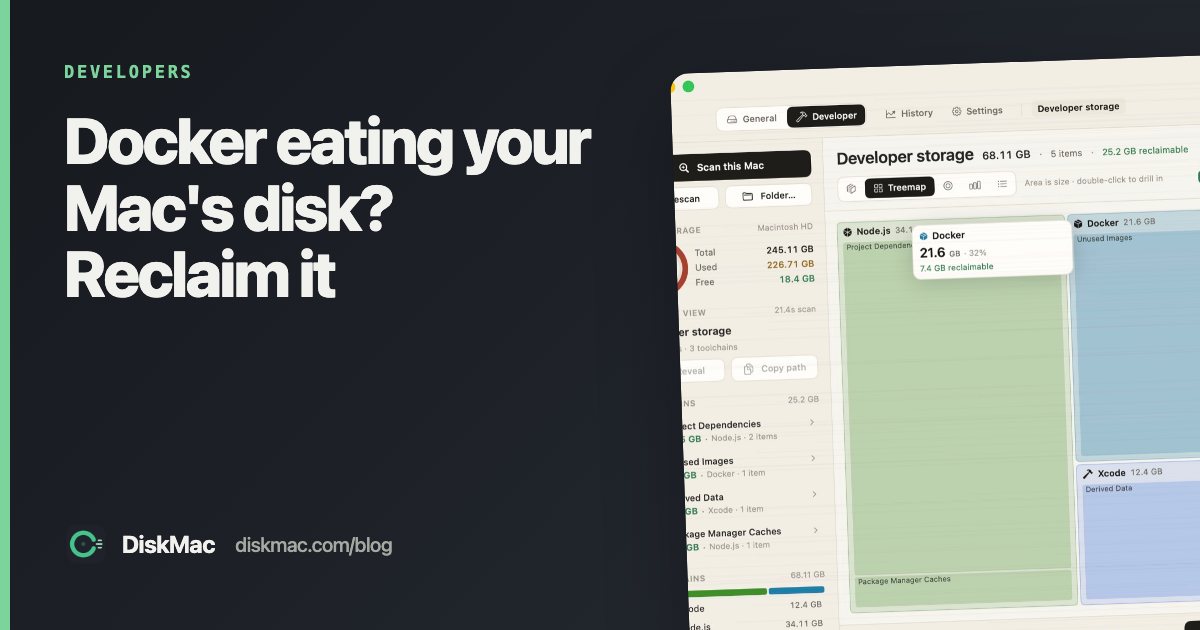
DiskMac’s Developer mode lists unused images, build cache, stopped containers and unused volumes, explains each, and shows how long it’s been since you used them. On the machine it was built on, it surfaced 7.4 GB of Docker images untouched for over a year. See also the full developer cache guide.
FAQ
Is it safe to delete Docker.raw?
Only if you are happy to lose every image, container and volume. Docker recreates an empty disk. Prefer pruning.
Why is Docker.raw so big on Mac?
It is a sparse file sized to your disk limit. Its real usage is lower; check it with ls -lsh or a tool that measures allocated space.
Does docker system prune delete volumes?
Not by default. Add --volumes or run docker volume prune to remove unused volumes.