Android Studio and Gradle Eating Disk Space on Mac? Fix It
Android development on a Mac quietly collects SDK platforms, emulator system images, virtual devices and Gradle caches for every version you ever built against. It’s easily 20–40 GB.
Where it all lives
| Folder | What | Safe to delete? |
|---|---|---|
~/Library/Android/sdk/system-images | Emulator images, 1–8 GB each | Yes, for ones no AVD uses |
~/.android/avd | Virtual devices and their data | Yes, for ones you don’t use |
~/Library/Android/sdk/platforms, build-tools, ndk | SDK versions | Old ones, yes |
~/.gradle/caches | Downloaded dependencies and build caches | Yes — redownloads |
~/.gradle/wrapper/dists | Gradle versions used by wrappers | Old versions, yes |
Project build/ folders | Build output | Yes |
~/Library/Caches/Google/AndroidStudio* | IDE caches per version | Old versions, yes |
1. Remove unused virtual devices
In Android Studio open Device Manager and delete devices you don’t use. This removes their data from ~/.android/avd.
2. Remove system images no device uses
Open Settings › Languages & Frameworks › Android SDK › SDK Platforms, tick Show Package Details, and untick images you no longer need. Or from the command line:
sdkmanager --list_installed
sdkmanager --uninstall "system-images;android-30;google_apis;arm64-v8a"
3. Clear Gradle caches
# stop daemons first
./gradlew --stop

# remove caches (redownloaded on next build)
rm -rf ~/.gradle/caches

# remove old Gradle distributions, keep the ones you use
ls ~/.gradle/wrapper/dists
Modern Gradle also cleans unused cache entries automatically after 30 days of no use.
4. Delete old Android Studio caches
Each Android Studio upgrade leaves the previous version’s caches and logs. Look in ~/Library/Caches/Google, ~/Library/Logs/Google and ~/Library/Application Support/Google for older version numbers.
5. React Native and Flutter projects
Their android/app/build folders are Gradle output too. flutter clean and ./gradlew clean remove them per project.
Let DiskMac cross-check for you
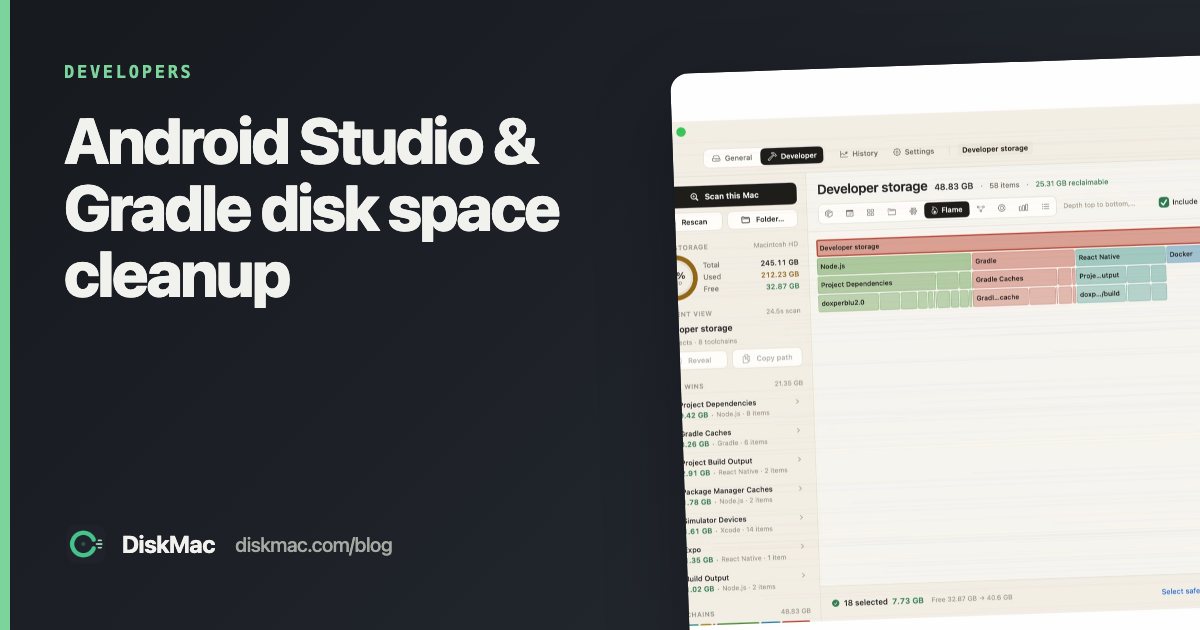
DiskMac’s Developer mode reads your AVDs and flags system images that no virtual device uses — the safest big win. It also lists Gradle caches by version and per-project build folders, and counts React Native’s Android build output once rather than twice. More in Mac cleaners for developers.
FAQ
Is it safe to delete ~/.gradle/caches?
Yes. Gradle redownloads what it needs on the next build, which will be slower.
Why is the Android SDK so large?
Mostly emulator system images, plus every platform, build-tools and NDK version you’ve installed.