Clean Developer Caches on Mac: Homebrew, pip, Cargo, Go and More
Every language and package manager keeps its own cache, in its own place, with its own cleanup command. Individually they are a few gigabytes; together they can be tens. Here’s the cheat sheet.
Check sizes first
du -sh ~/Library/Caches/Homebrew ~/.npm ~/.cache/pip ~/Library/Caches/pip \
  ~/.cargo/registry ~/go/pkg/mod ~/Library/Caches/go-build ~/.m2 \
  ~/.gradle ~/.pub-cache ~/Library/Caches/CocoaPods 2>/dev/null
Homebrew
brew cleanup --prune=all   # old versions and all cached downloads
brew autoremove            # dependencies nothing needs any more
Node
npm cache clean --force
pnpm store prune
yarn cache clean
The bigger win is usually project node_modules — see how to delete node_modules.
Python
pip cache purge
uv cache clean
poetry cache clear --all pypi
Also look for old virtual environments (.venv, venv) in projects you’ve finished, and unused conda environments (conda env list).
Rust
rustup toolchain list
rustup toolchain uninstall <old-toolchain>
cargo install cargo-cache && cargo cache --autoclean
Project target/ folders are often the biggest: cargo clean in each finished project.
Go
go clean -cache       # build cache
go clean -modcache    # module downloads
Java / Maven / Gradle
rm -rf ~/.m2/repository # Maven redownloads on next buildGradle and Android are covered in the Android Studio guide.
CocoaPods and SwiftPM
pod cache clean --all
rm -rf ~/Library/Caches/org.swift.swiftpm
Xcode itself has its own guide: clearing DerivedData and simulators.
Flutter / Dart
flutter clean            # per project
dart pub cache clean     # global pub cache
Editors
VS Code, Cursor and JetBrains IDEs keep caches, logs and old extension versions in ~/Library/Application Support/Code, ~/Library/Application Support/Cursor and ~/Library/Caches/JetBrains. Old IDE version folders are safe to remove.
Docker
docker system prune — details in Docker on Mac.
All of this in one scan
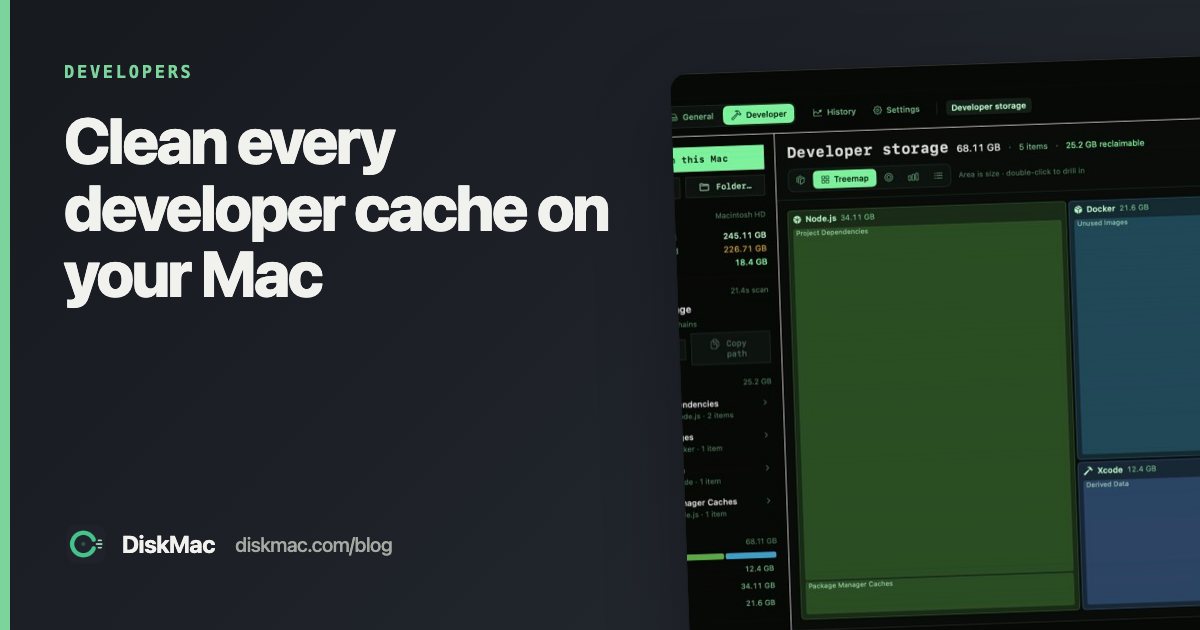
DiskMac’s Developer mode covers Homebrew, Rust, Go, pip/uv/Poetry, Maven, JetBrains, VS Code and Cursor alongside Xcode, Docker, Node, Android, Gradle, CocoaPods and Flutter. It explains each item and how it comes back, and its free CLI works in scripts:
diskmac                      # table of what is reclaimable
diskmac --only node,xcode    # limit to some toolchains
diskmac --json               # machine-readable
FAQ
Is it safe to clear developer caches?
Yes. Package managers redownload what they need; the only cost is slower installs and builds the first time.
Which developer cache is usually biggest?
On most machines: Docker, Xcode and project node_modules, then Gradle and Homebrew.