What Is Purgeable Space on Mac, and How Do You Clear It?
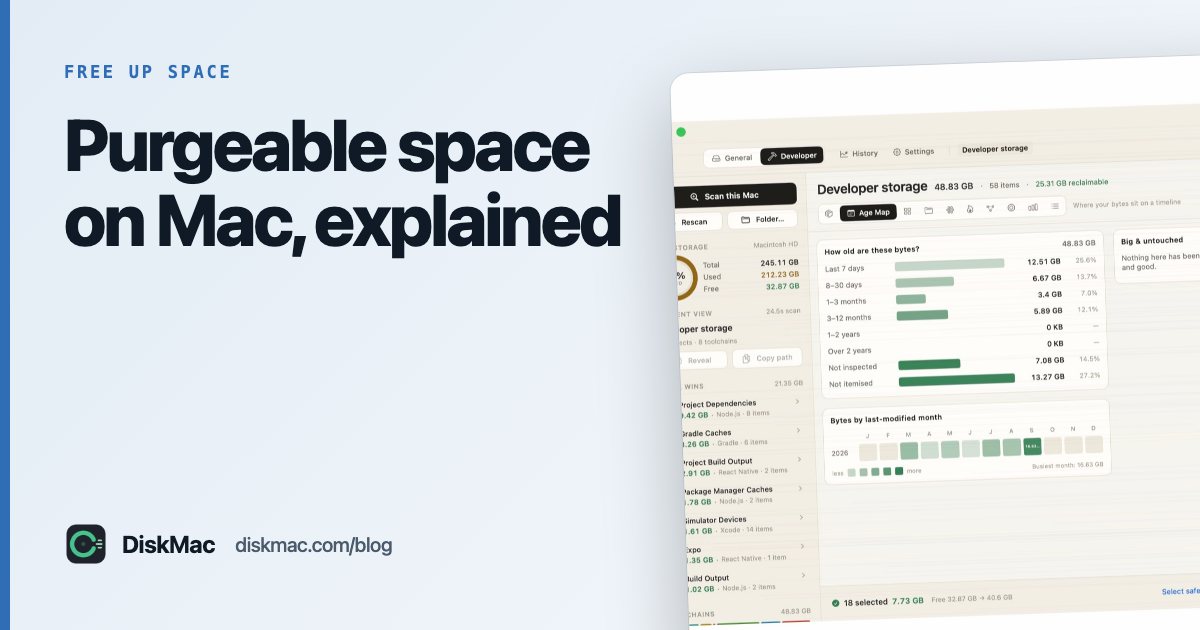
Get Info on your disk, or open Disk Utility, and you may see a line like “120 GB available (45 GB purgeable)”. Purgeable space is storage that macOS considers reclaimable: it is used right now, but macOS will delete it automatically when it needs room.
What counts as purgeable
- Time Machine local snapshots on your internal disk.
- Files stored in iCloud whose local copies can be removed (with Optimise Storage on).
- Caches macOS knows it can rebuild.
- Watched Apple TV movies and shows.
- Old fonts, dictionaries and language resources macOS can redownload.
Should you clear it?
Usually not. macOS frees purgeable space on demand — that’s the point. But some apps check free space without counting purgeable space, and refuse to install or copy large files. Then you need to clear it yourself.
How to clear purgeable space
1. Delete Time Machine local snapshots
tmutil listlocalsnapshots /
sudo tmutil deletelocalsnapshots <date-from-the-list>
Or ask macOS to thin them all at once: tmutil thinlocalsnapshots / 999999999999 4.
2. Let macOS purge by needing space
Copying or creating a large file forces macOS to purge. That is how it is designed to work, but it’s slow to watch.
3. Let iCloud offload files
With System Settings › [your name] › iCloud › iCloud Drive › Optimise Mac Storage on, macOS removes local copies of older iCloud files when space is short. To free one folder now, right-click it in Finder and choose Remove Download.
4. Restart
A restart sometimes triggers cleanup of temporary and purgeable data.
Purgeable vs actually free
Different tools report different numbers. Finder’s “available” usually includes purgeable space; df -h in Terminal doesn’t. DiskMac reports allocated space for what is on disk, so its numbers match what you will actually get back by deleting.
If purgeable space isn’t the issue and your disk is still full, see clearing System Data and 12 ways to free up space.
FAQ
Is it safe to delete purgeable space?
Yes — by definition macOS considers it safe to remove. Deleting local snapshots means you lose those hourly restore points, but your Time Machine drive keeps its own backups.
Why won't purgeable space go away?
macOS only purges when it needs the space. Delete local snapshots with tmutil to force it.