"Your Startup Disk Is Almost Full": How to Fix It on Mac
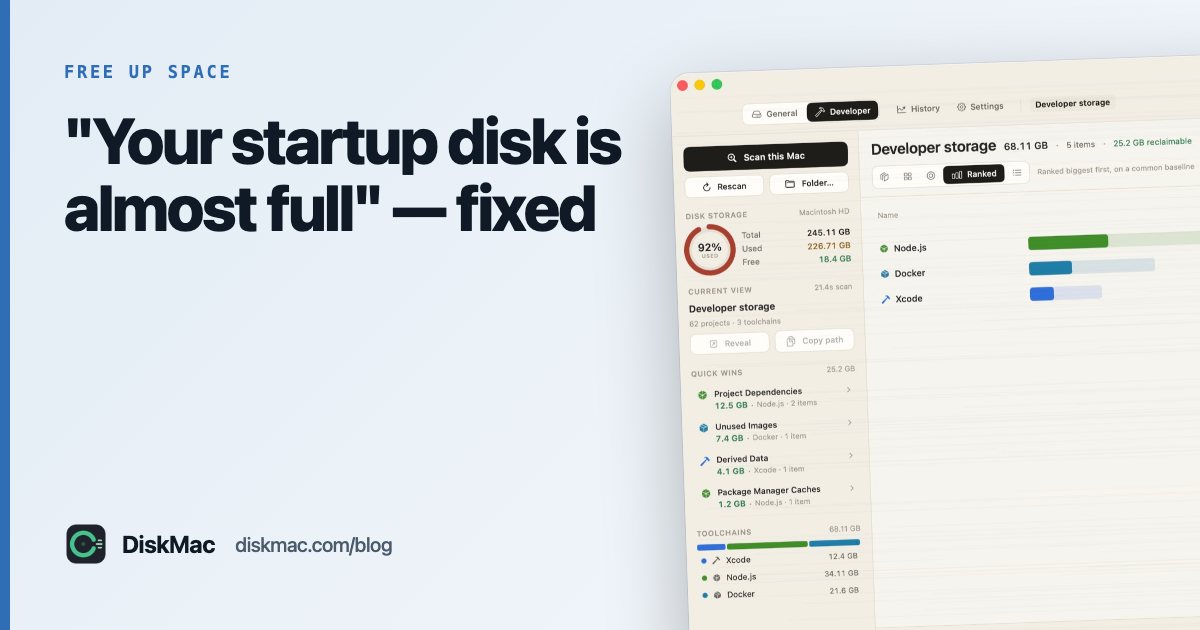
The “startup disk is almost full” alert means your Mac’s internal drive is down to its last few gigabytes. Fix it soon: with too little free space, macOS can’t install updates, apps crash when saving, and everything slows as virtual memory runs out of room.
Fast fixes (next 10 minutes)
- Empty the Trash. Also Photos › Recently Deleted.
- Restart. This clears temporary files and swap, often freeing several GB.
- Clear Downloads. Sort by size and delete installers and old archives.
- Delete an old iPhone backup. System Settings › General › Storage › iOS Files.
- Remove one big app you don’t use — games and creative suites are often 10–50 GB.
Find the real cause
The fast fixes buy time. To stop the alert coming back, find out what is filling the disk. A free scan with DiskMac shows every folder by size in under a minute, with an explanation of what each one is. Typical culprits:
- Photos and videos stored only on this Mac
- iPhone backups
- Huge System Data (snapshots, caches) — fix it here
- Developer tools: Xcode, Docker,
node_modules - Virtual machines
If the Mac is too full to work
If you can’t even open Finder reliably:
- Start up in Safe Mode (it clears some caches and loads less).
- Use Terminal to delete a known large file:
rm ~/Downloads/huge-file.dmg. - Move a large folder to an external drive.
In the very rare case that macOS won’t start at all, Recovery Mode’s Terminal can delete files — get help if you’re unsure.
Keep it from coming back
- Turn on Empty Trash Automatically and Optimise Storage in Storage settings.
- Use iCloud Photos with Optimise Mac Storage.
- Keep 10–15% of the disk free.
- Watch your free space: DiskMac’s free menu bar monitor and storage history show when space starts disappearing.
On a 256 GB Mac? See living with 256 GB.
FAQ
How much free space does a Mac need?
At least 10–15% of the disk, or 20–30 GB. macOS updates alone can need 20 GB of temporary space.
Why does my disk fill up again so fast?
Usually snapshots, caches, iPhone backups or developer tools. Storage history in a disk tool shows what grew.
Does a full disk slow down a Mac?
Yes, when it is very full — macOS needs free space for swap and caching.