The Best App Uninstallers for Mac (Free and Paid)
On a Mac you uninstall an app by dragging it to the Trash. That removes the app bundle and nothing else. Its caches, preferences, containers, saved state, logs and sometimes launch agents stay in your Library folder — occasionally for years, occasionally several gigabytes.
What an uninstaller should find
For an app with the bundle identifier com.example.App, leftovers usually live in:
~/Library/Application Support/App~/Library/Caches/com.example.App~/Library/Containers/com.example.AppandGroup Containers~/Library/Preferences/com.example.App.plist~/Library/Saved Application State/com.example.App.savedState~/Library/LaunchAgents— background helpers that keep running
A good uninstaller matches on the bundle identifier, which is exact, rather than on the app’s name, which can match unrelated folders.
1. DiskMac
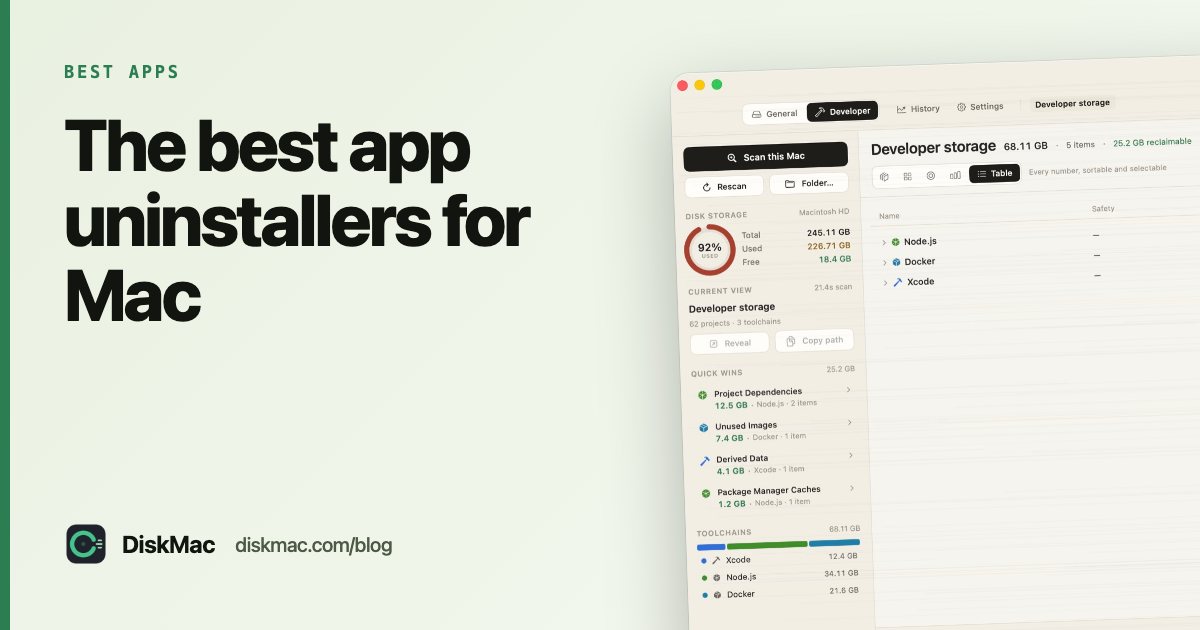
DiskMac’s uninstaller finds an app’s caches, containers, preferences, saved state, web storage, logs and launch agents by bundle identifier, and shows you what it matched on so you can check the reasoning. Everything goes to the Trash with one-click “Put it back”. It is part of DiskMac Pro, $9 once, alongside the disk map that shows where the rest of your space went.
2. AppCleaner (free)
Drag an app onto AppCleaner and it lists related files with checkboxes. Free and dependable. It is name- and identifier-based and very quick. No disk map.
3. Pearcleaner (free, open source)
A modern open-source uninstaller with an orphaned-files search for apps you already deleted the wrong way. A good free choice for people comfortable with open-source tools.
4. App Cleaner & Uninstaller (Nektony)
A paid uninstaller with extras like managing extensions and login items. Sold on subscription.
5. CleanMyMac’s uninstaller
Thorough, but it comes as part of the full CleanMyMac subscription. Worth it only if you want everything else CleanMyMac does — see CleanMyMac alternatives.
Uninstalling without any app
You can do it by hand. In Finder press ⇧⌘G, go to ~/Library, and search each folder above for the app’s name and bundle ID. To find the bundle ID:
osascript -e 'id of app "Slack"'Our step-by-step guide: how to uninstall apps completely on Mac.
Apps with their own uninstallers
Some apps install system extensions or helpers outside your Library — Adobe Creative Cloud, Microsoft Office, VPNs, antivirus and audio drivers. Always use the vendor’s own uninstaller for these first, then sweep up what is left.
FAQ
Does dragging an app to the Trash uninstall it?
It removes the app but leaves its support files, caches and preferences behind.
Is it safe to delete an app's Library files?
Yes, once the app is gone. The only thing you lose is its settings and any data it stored — so export anything you want to keep first.
What is the best free app uninstaller for Mac?
AppCleaner is the long-standing favourite; Pearcleaner is a good open-source option.