The Best Free Mac Cleaner Apps (No Trial, No Subscription)
Plenty of Mac cleaners call themselves free and then let you scan but not clean, or clean 500 MB before asking for a card. This list sticks to tools that do something useful without paying — and is clear about the line where each one stops.
What “free” really means
There are three kinds of free Mac cleaner:
- Truly free — open source or donationware. Nothing is locked.
- Free tier — a useful part is free forever, cleaning or extras are paid.
- Free trial — it works for a while, or shows results it won’t act on. We left these out.
1. macOS Storage settings (built in)
System Settings › General › Storage breaks your disk into Applications, Documents, Photos, iCloud Drive, macOS and System Data. Click the i next to a category to review and delete large files. It is the safest free starting point because nothing is installed. It won’t explain System Data, which is often the biggest bar — see how to clear System Data.
2. DiskMac (free tier)
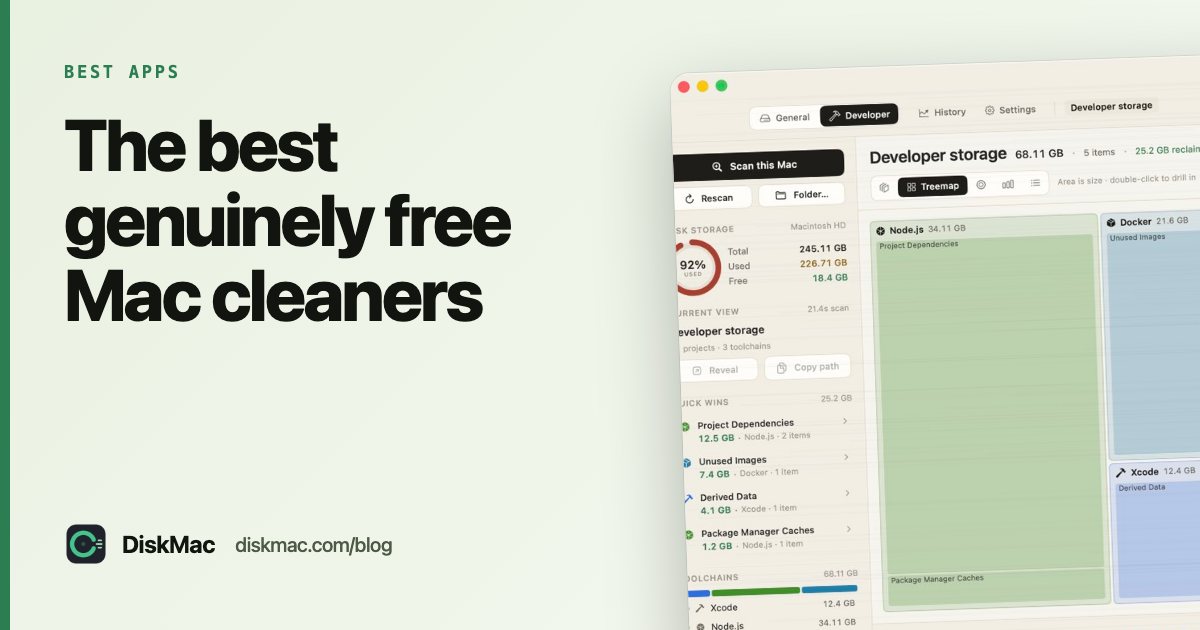
The free version of DiskMac is not a trial. Unlimited scans, all ten views, the large-file list, live CPU, memory and battery stats, storage history, a menu bar monitor and the diskmac command-line tool are free with no account and no time limit. You can see exactly what is filling your Mac and delete it yourself in Finder.
Pro ($9 once, two Macs) adds deleting from inside the app with undo, the app uninstaller, advanced search and extra themes. Most people can get a long way on the free tier.
3. GrandPerspective
An open-source treemap: each file is a rectangle sized by space used. It is fast and completely free from its website. There is no explanation of what files are, so it suits people who already know their way around ~/Library.
4. OmniDiskSweeper
From The Omni Group, free. It lists folders sorted by size in Finder-style columns. Plain and quick, and good for drilling into one big folder. It deletes immediately, not to the Trash, so be careful.
5. AppCleaner
Free uninstaller. Drag an app onto its window and it finds the preferences, caches and containers that belong to it. Read how to uninstall apps completely for what to look for.
6. OnyX
Free maintenance utility from Titanium Software that runs system scripts and clears caches. Powerful, but the interface assumes you know what each option does. Coming from Windows? See CCleaner for Mac alternatives.
7. Terminal (for the confident)
Two commands find most of what a cleaner would find:
# the 20 largest folders in your home folder
du -sh ~/* ~/Library/* 2>/dev/null | sort -rh | head -20

# files over 1 GB anywhere in your home folder
find ~ -type f -size +1G 2>/dev/null
More in how to find large files on a Mac.
Comparison
| Tool | Shows what uses space | Explains items | Uninstalls apps | Undo |
|---|---|---|---|---|
| Storage settings | By category | Partly | Yes (bundle only) | Trash |
| DiskMac Free | Yes, 10 views | Yes | Pro | Trash |
| GrandPerspective | Yes, treemap | No | No | Trash |
| OmniDiskSweeper | Yes, list | No | No | No |
| AppCleaner | No | No | Yes | Trash |
| OnyX | No | Briefly | No | No |
Our recommendation
Use a free disk map (DiskMac or GrandPerspective) to find what is big, AppCleaner to remove apps properly, and macOS Storage settings for iCloud and Trash options. You probably don’t need to pay anything. If you’d rather have it all in one app with explanations and undo, DiskMac Pro is $9 once — see cheap Mac cleaners with no subscription.
FAQ
Is there a completely free Mac cleaner?
Yes. GrandPerspective, OmniDiskSweeper, AppCleaner and OnyX are free with nothing locked. DiskMac’s scanning and disk map are free forever too.
Is CleanMyMac free?
CleanMyMac has a free trial with limits. Full use needs a subscription or a one-time licence. Free options are in our CleanMyMac alternatives list.
Are free Mac cleaners safe?
The ones listed here are well known and have been around for years. Download them only from the developer’s own site or the App Store, and keep a Time Machine backup.