How to Find Large Files on Mac: 5 Easy Ways
Most lost space on a Mac comes from a handful of big files you forgot about: videos, disk images, installers, archives and virtual machines. Here are five ways to find them.
1. Finder search by size
- Open Finder and press ⌘F.
- Click This Mac.
- Change the Kind dropdown to Other…, find File Size, tick it and click OK.
- Set File Size › is greater than › 1 GB.
Click Save to keep it as a Smart Folder you can check any time.
2. Storage settings
System Settings › General › Storage, then click the i next to Documents. The Large Files tab lists your biggest documents, with a delete button.
3. Terminal: find
# files over 1 GB in your home folder
find ~ -type f -size +1G 2>/dev/null

# the same, with sizes, biggest first
find ~ -type f -size +500M -exec du -h {} + 2>/dev/null | sort -rh | head -30
4. Terminal: du for big folders
Large files aren’t the whole story — a folder of 100,000 small files can be bigger than any single video.
du -sh ~/* ~/Library/* 2>/dev/null | sort -rh | head -205. A disk map with a large-files list
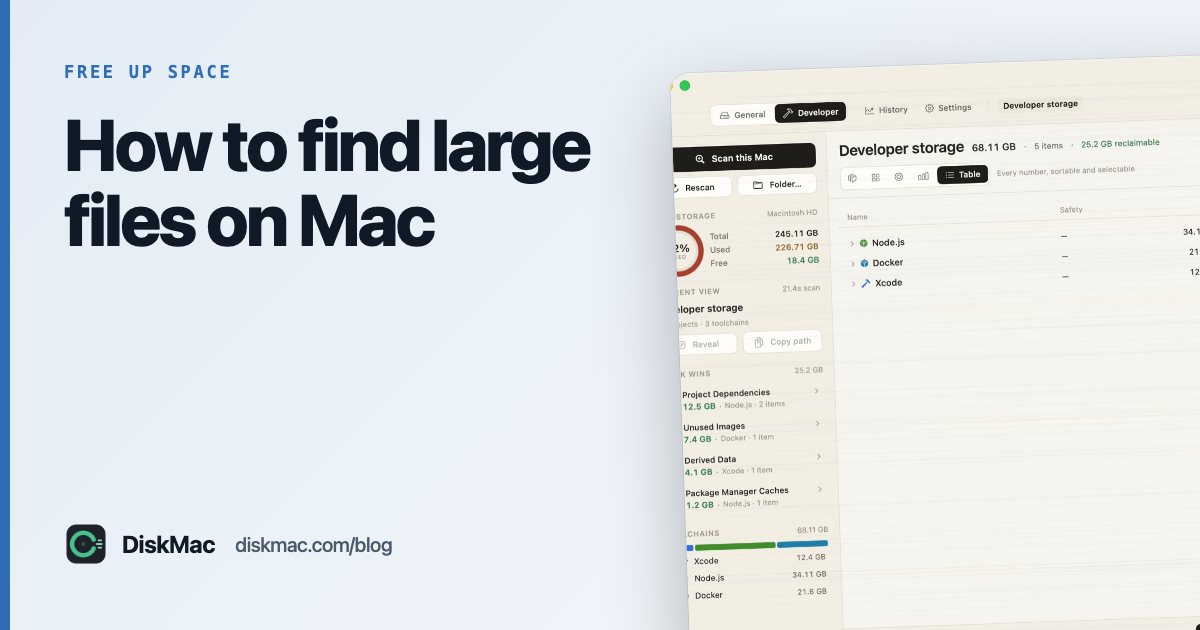
DiskMac’s free scan lists every file over 50 MB, sorted by size, alongside a map of folders. Its Strata and Age Map views add age, so a 4 GB video you watched yesterday and one from three years ago don’t look the same. With Pro you can search by size, age, type or pattern and delete to the Trash with undo.
Common large files and what to do
| File type | Usually | Safe to delete? |
|---|---|---|
.dmg, .pkg | App installers in Downloads | Yes, after installing |
.zip, .xip | Archives, Xcode downloads | Usually, once extracted |
.mov, .mp4 | Screen recordings, exports | Your call — back up first |
.ipsw | iPhone/iPad firmware | Yes |
.vmdk, .utm, .pvm | Virtual machines | If you no longer use the VM |
Docker.raw | Docker’s disk image | Shrink it properly instead |
Running out of room on a small Mac? See how to make a 256 GB MacBook last, or what to do when the startup disk is full.
FAQ
How do I find the biggest files on my Mac?
Use Finder’s File Size search, Storage settings’ Large Files tab, or a free disk map like DiskMac that lists every file over 50 MB.
Why can't I find what's using my space?
It may be in hidden folders like ~/Library, in System Data, or in many small files. See what’s taking up space on your Mac.